

What Tools Do I Actually Need to Run My Business?
You need fewer tools than you think: one for money, one for leads, one for delivery, one for support. Here's the lean small-business tech stack.

Evolvv Strategies
Operator notes
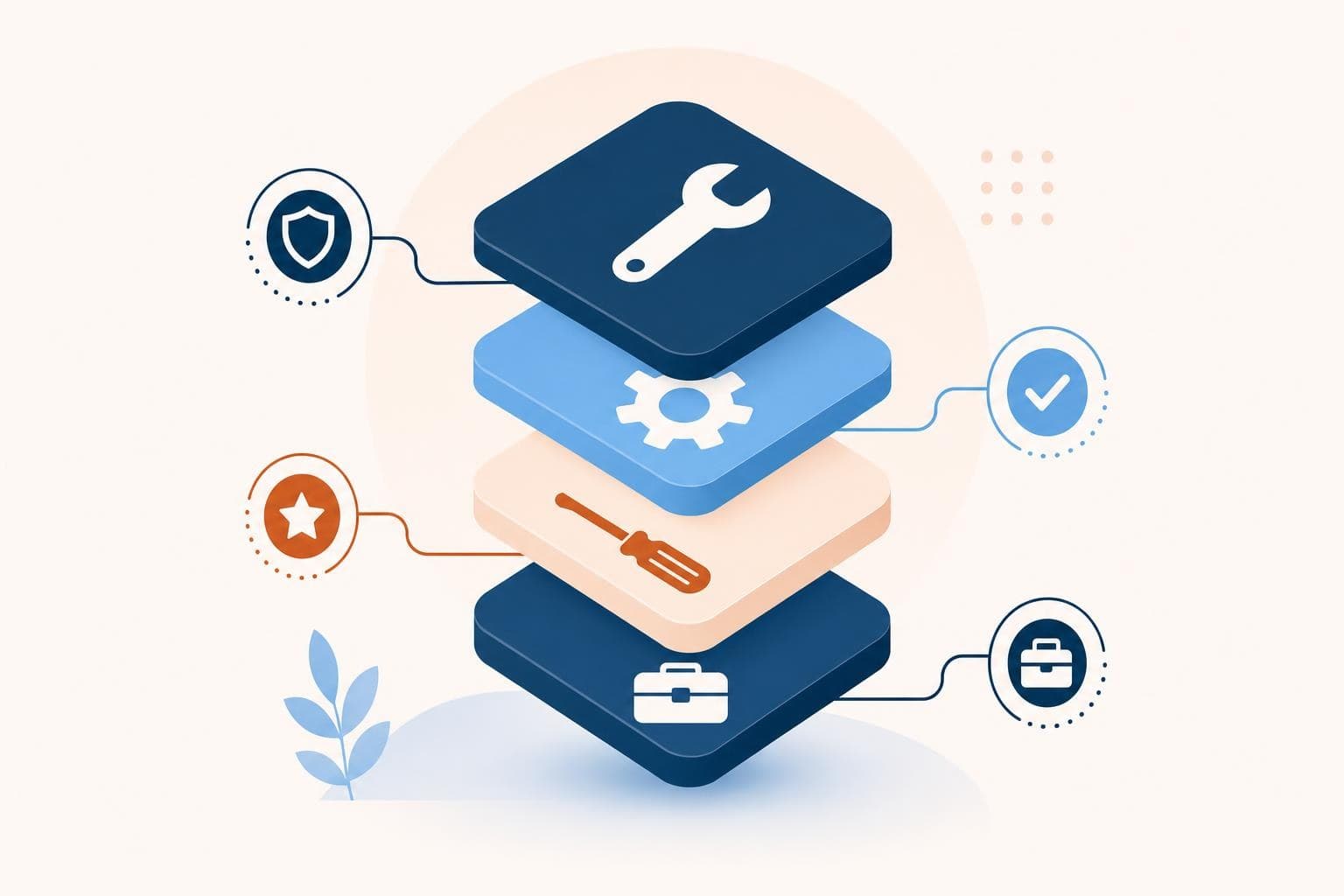
Most small businesses need just four core tools: one to handle money (invoicing and bookkeeping), one to manage leads and customers (a simple CRM), one to do the actual work (your delivery tool), and one to talk to people (email plus a scheduler). Everything else is optional until a real bottleneck demands it.
The problem isn't a lack of software. It's too much of it. The average owner I meet is paying for nine subscriptions and actively using three.
You bought the project tool because a podcast said to. You bought the second CRM because the first felt clunky. Now your data lives in five places and none of them talk. Let's strip it back.
Start with the four jobs, not the four apps
A tech stack isn't a shopping list — it's a set of jobs your business needs done every week. Name the jobs first, then pick one tool per job. The four jobs are almost always the same: get paid, track relationships, deliver the work, and communicate.
Get paid means invoicing and books — think Stripe or Wave plus QuickBooks or Xero. Track relationships means a CRM you'll actually open — HubSpot's free tier or even a clean Airtable base. Deliver the work depends on what you sell — a scheduler for a service business, a simple e-commerce platform for products. Communicate means email and a booking link like Cal.com or Calendly.
That's it. Four jobs, four tools. If a shiny new app doesn't clearly own one of those jobs better than what you have, you don't need it yet.
You don't have a tools problem. You have an unfinished-jobs problem wearing nine logos.
The rule that kills tool bloat
Before you add any tool, it has to pass one test: does it remove a job a human is currently doing by hand, or does it just feel productive to set up? Setup feels like progress. It rarely is. A new dashboard you check twice and abandon cost you a Saturday and changed nothing.
In 2026 the temptation is worse, because every tool now bolts on an AI feature and markets itself as essential. Ignore the feature lists. Ask whether it closes a real gap in one of your four jobs. If two tools overlap, cancel one this week — overlap is where data goes to die.
How to choose your four (a framework)
Here's the exact order I walk owners through so they end up with a stack they'll actually use:
- List your weekly jobs. Write down every recurring task: invoicing, follow-up, scheduling, fulfillment, support. Group them under the four buckets.
- Pick the money tool first. Cash flow is non-negotiable. Choose one invoicing and one bookkeeping tool, and connect them so you're not double-entering.
- Pick one CRM you'll open daily. The best CRM is the one you'll actually log into. Free and simple beats powerful and ignored.
- Pick the delivery tool that fits your offer. Service, product, or digital — match the tool to how the work gets done, not to what's trendy.
- Add a scheduler and an email tool, then stop. Resist a sixth tool until a clear bottleneck forces it.
When I ran my last company, we audited our subscriptions and found we were spending roughly 1,400 dollars a month on software, with about a third of it unused. We cut six tools in an afternoon, kept five, and nobody noticed a single thing was missing — except the bank account.
When to actually add a fifth tool
You add tool number five only when a single job is clearly breaking. Leads are slipping through follow-up cracks? Add automation. Drowning in support messages? Add a shared inbox. The trigger is always a measurable pain, never a feature you saw on a webinar. Add deliberately, connect it to the rest, and review the whole stack once a quarter to cancel what you've outgrown.
Quick wins you can try this week
- Open your bank or card statement and list every software subscription you're paying for.
- Sort each one under the four jobs: money, leads, delivery, communication. Flag any duplicates.
- Cancel one tool you haven't opened in 30 days — you won't miss it.
- Connect your invoicing tool to your bookkeeping tool so you stop double-entering data.
- Move your scattered customer notes into one CRM, even a free one, before the week ends.
FAQ
What is a tech stack for a small business?
It's the small set of software tools you use to run daily operations — typically one for money, one for leads, one for delivery, and one for communication. A good stack is lean and connected, not a pile of overlapping subscriptions.
How many tools should a small business actually use?
Most run well on four to six core tools. Beyond that, you usually get overlap and scattered data. Add a new tool only when a specific weekly job is clearly breaking, not because it looks useful.
Do I need expensive software to look professional?
No. Free and low-cost tiers from tools like HubSpot, Wave, and Cal.com run a professional operation comfortably. Customers judge your responsiveness and clarity, not your subscription tier. Spend the money you save on actually serving them well.
How often should I review my tech stack?
Once a quarter. Open your statements, check what's actually being used, and cancel anything you've outgrown or duplicated. Stacks quietly bloat over time, and a 15-minute review usually pays for itself in cut subscriptions.
Not sure which tools are quietly holding you back? A free Growth Audit maps your stack against your real bottlenecks and tells you what to cut first — or see how we work with founders to simplify operations.