
How Do I Start With No-Code Automation as a Beginner?
Start no-code automation by picking one annoying repetitive task and connecting two apps in Zapier or Make. Begin tiny, then build from there.

Evolvv Strategies
Operator notes
To start with no-code automation, pick one small, repetitive task you do every week, then connect the two apps involved using Zapier, Make, or n8n. Build a single trigger-and-action workflow, test it, and let it run. Begin with one tiny automation that saves 10 minutes — not a grand system. Confidence and savings compound from there.
Most beginners freeze because automation sounds like coding. It isn't. Modern no-code tools are closer to building with Lego than writing software — you snap two apps together and tell one to do something when the other does.
The other thing that stops people is trying to automate everything at once. That's how you end up with a half-built mess and no momentum.
What no-code automation actually is
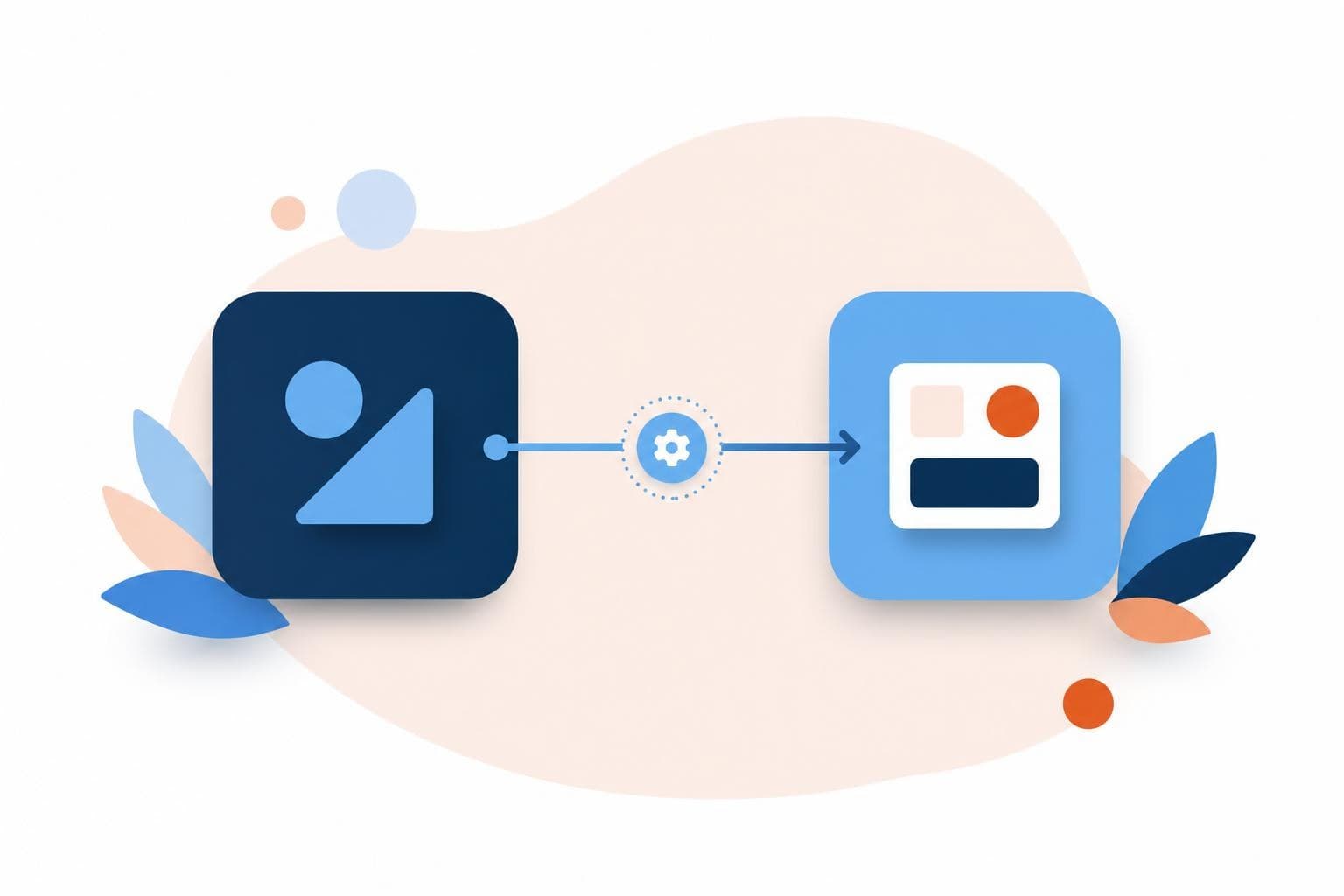
At its core, every automation is one sentence: 'When X happens in this app, do Y in that app.' When a form is submitted, add the person to my email list. When an invoice is paid, post a message in the team chat. When a new file lands in a folder, back it up somewhere safe.
Tools like Zapier, Make, and n8n exist to build that sentence visually. You pick a trigger, pick an action, connect your accounts, and the tool does the wiring in the background. No servers, no code, no developer. In 2026 most of these tools also have an AI assistant that will draft the workflow from a plain-English description, which makes the first one even easier.
Every automation is one sentence: when this happens, do that. Master one sentence before you write a paragraph.
Start with the most annoying small task
The mistake is starting with the biggest, most complex process. Start with the opposite: the small, dumb, repetitive task that annoys you most. Copying form responses into a spreadsheet. Manually sending the same welcome email. Saving email attachments into a folder by hand.
Pick one of those. It should be something you do at least weekly, that follows the same steps every time, and that doesn't need human judgment. That last part matters — automate decisions and you'll spend more time fixing mistakes than you saved. Automate the boring, predictable stuff first.
Your first automation in 5 steps
- Name one repetitive task. Weekly or more, same steps every time, no judgment required.
- Write it as one sentence. 'When X happens, do Y.' If you can't, the task isn't ready to automate.
- Pick a tool and create a free account. Zapier is the friendliest start; Make is cheaper at scale; n8n if you want to self-host.
- Build the trigger and the action. Connect both apps, map the fields, and use the AI assistant if you're stuck.
- Test with real data, then turn it on. Run it once manually, confirm the result, then let it run unattended.
That's a full automation. Build three of those and you'll start seeing connections everywhere — which is exactly when it gets fun.
A real example of starting small
In 15 years of building businesses, the automations that stuck were never the ambitious ones. The first one I ever built just took new contact-form submissions and dropped them into a spreadsheet plus a Slack channel so nobody missed a lead. It took 20 minutes to set up and saved maybe 15 minutes a day of manual copying — but more importantly, it never forgot, and we stopped losing inquiries to a missed email. That tiny win is what got the whole team hooked on building more. Start where the savings are obvious and the risk is near zero.
Quick wins you can try this week
- List the 3 most repetitive small tasks you did this week and circle the most annoying one.
- Write that task as a single 'when X, do Y' sentence before touching any tool.
- Create a free Zapier or Make account and build that one workflow end to end.
- Test it with one real piece of data before you trust it to run alone.
- Once it works, write down the next two tasks you'd automate — momentum matters more than perfection.
FAQ
Do I need any coding skills for no-code automation?
No. The whole point of no-code tools like Zapier and Make is that you build workflows visually by connecting apps and mapping fields. If you can describe a task in plain English and follow a setup wizard, you can build it. In 2026 most tools also generate the workflow from a written description.
Which no-code tool should a beginner pick?
Start with Zapier — it's the most beginner-friendly and connects to the most apps. Move to Make when you want more power for less money, or n8n if you'd rather self-host and own your data. For your first few automations, the easiest tool beats the most powerful one.
What should I never automate?
Anything that needs real human judgment, handles sensitive decisions, or breaks badly if it's wrong without anyone noticing. Automate predictable, repetitive steps — copying data, sending standard messages, filing things. Keep a human in the loop for anything involving money decisions, hiring, or nuanced customer situations.
How much time can automation realistically save?
A single good automation typically saves 10 to 60 minutes a week, and those add up fast once you build a handful. The bigger payoff is consistency — automations don't forget, get tired, or skip steps. Even small ones remove the dropped-ball errors that quietly cost you customers.
Not sure which tasks are worth automating first? A free Growth Audit finds the busywork eating your week, and our how we work page shows how we build systems that run without you.