
How Do I Cut My Software Subscription Costs?
Cut software costs by auditing every subscription, killing the unused ones, and consolidating overlap. Most small businesses waste 20 to 30 percent.

Evolvv Strategies
Operator notes
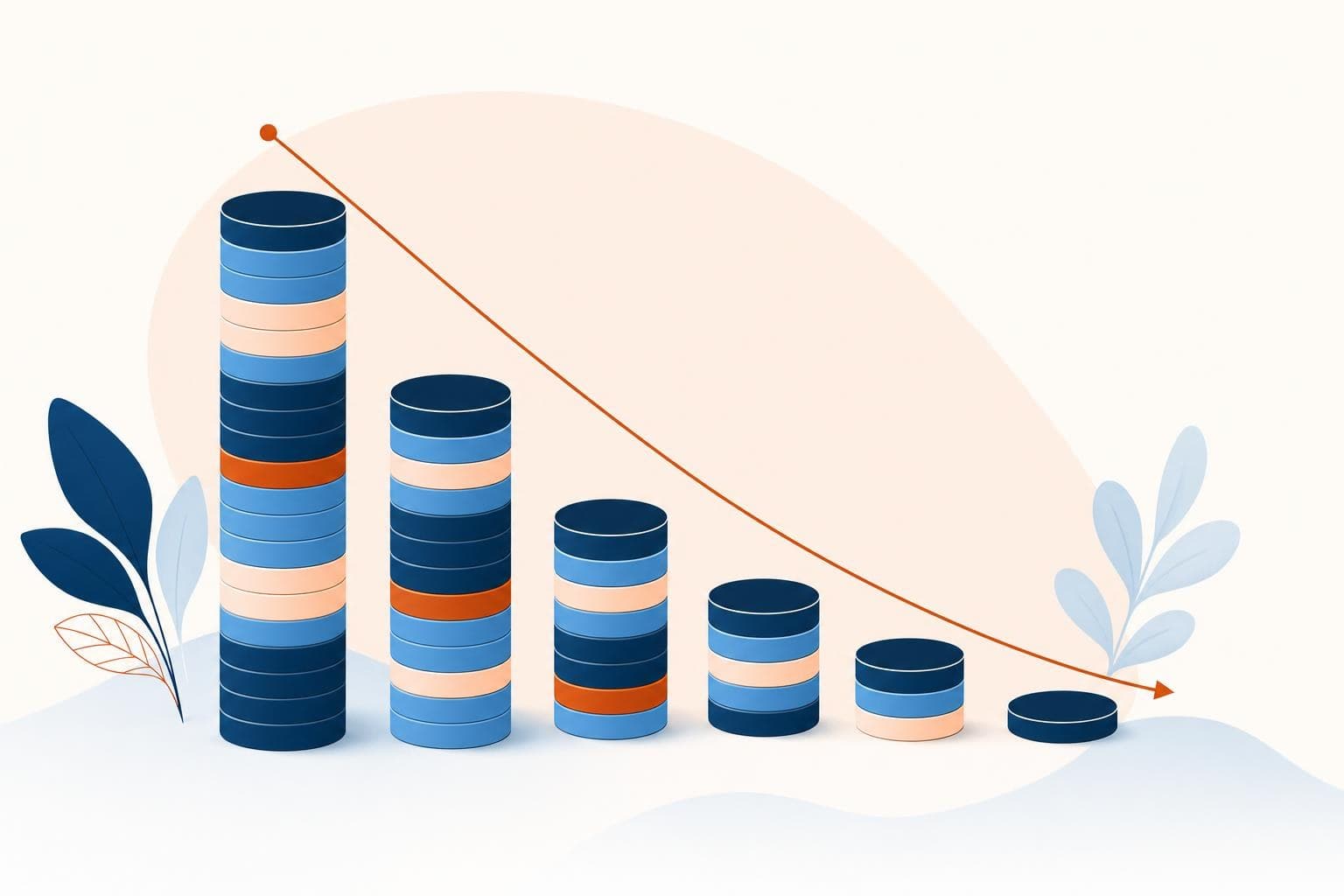
To cut software subscription costs, list every recurring charge, cancel anything unused in the last 30 days, downgrade over-bought plans, and consolidate tools that overlap. Most small businesses are quietly wasting 20 to 30 percent of their software spend on seats and apps nobody opens. The audit usually pays for itself in an afternoon.
Software costs creep. One free trial here, one 'we might need this' tool there, a per-seat plan that kept billing after someone left. None of it feels big on its own.
Then you add it up and the monthly total makes you wince. The money isn't leaking from one big hole — it's a hundred small ones.
Find the leaks before you cut anything
You can't cut what you can't see. Most owners genuinely don't know their full software bill because it's spread across a personal card, a business card, the app stores, and a few annual charges that hit once a year and vanish from memory.
Start by pulling the actual numbers. Export the last three months of card and bank statements and highlight every recurring software charge. Then check your app store subscriptions and any annual renewals. You're building one list with the tool, the monthly cost, and who uses it. That list alone shocks most owners — there's always at least one zombie subscription billing for something abandoned a year ago.
You can't cut a cost you can't see. The list is the work. Cancelling is the easy part.
Cut, downgrade, consolidate — in that order
Once you have the list, three moves get you most of the savings. First, cancel the dead weight: anything not opened in 30 days goes, no sentimental keeping. Second, downgrade the over-bought: that premium plan you're on for one feature you use twice a year drops to the cheaper tier. Third, consolidate overlap: if you pay for three tools that each do scheduling, pick one and cancel two.
Consolidation is where the real money is in 2026, because so many tools now bundle features that used to be separate purchases. Your project tool probably does basic docs. Your CRM probably does email. You may be paying twice for the same job.
The 5-step software audit
- Pull every charge. Three months of statements plus app store and annual renewals into one list.
- Tag each tool by usage. Daily, monthly, or never. Be honest — 'might need it' counts as never.
- Cancel the nevers. Anything untouched in 30 days gets cut today, not 'looked into later.'
- Right-size the rest. Drop unused seats and over-bought plan tiers to what you actually use.
- Consolidate overlap. Where two tools do one job, keep the better one and cancel the other.
Then set a calendar reminder to repeat this once a quarter. Software creep is a recurring problem, so the fix has to recur too.
A real number from doing this
When I ran my last company, we did exactly this audit and found we were paying for 14 active subscriptions. Three were completely unused — including a $90-a-month tool we'd bought for a project that ended eight months earlier and forgotten to cancel. Two more had us on premium tiers for features we never touched. We cut and downgraded our way to roughly 28 percent off the monthly software bill in a single afternoon, with zero impact on how the team worked. That's not unusual. The waste is almost always hiding in plain sight.
Quick wins you can try this week
- Export the last 3 months of statements and highlight every recurring software charge in one list.
- Cancel anything you haven't opened in 30 days today — don't 'review it later.'
- Check every per-seat plan and remove seats for people who've left or don't log in.
- Find two tools that do the same job and cancel the weaker one this week.
- Set a recurring quarterly reminder to run this audit again so creep never compounds.
FAQ
How much can a small business realistically save on software?
Most save 20 to 30 percent on their first audit. The savings come from three places: cancelling tools nobody uses, removing seats for people who've left, and consolidating apps that overlap. After the first cleanup, a quarterly check keeps the waste from creeping back.
Is annual billing actually cheaper than monthly?
Usually 15 to 20 percent cheaper, but only commit annually to tools you're certain you'll keep all year. Annual plans hide because they bill once and vanish from memory, so they're a common source of zombie subscriptions. Pay annually for your core stack, monthly for anything you're still testing.
Should I cancel a tool I might need later?
Cancel it. 'Might need later' is how the waste accumulates in the first place. Most tools let you re-subscribe instantly and keep your data for a grace period, so the cost of cancelling and coming back is tiny compared to paying every month for something you don't use.
How do I stop costs from creeping back up?
Put a quarterly software audit on the calendar and make one person responsible for approving any new subscription. The creep happens because adding a tool is frictionless and nobody owns the total. Add a little friction to new purchases and a recurring review, and the bill stays flat.
Wasted software spend is usually a symptom of a system that grew without a plan. A free Growth Audit shows where your operations leak money, and our how we work page lays out how we tighten them up with you.