
What's the Safe Way to Start Using AI in My Business?
Worried about privacy and getting AI wrong? Here's the safe way to start: low-risk tasks, clean data hygiene, a simple policy, and human review.

Evolvv Strategies
Operator notes

The safe way to start using AI is to begin with low-risk, non-sensitive tasks, practice good data hygiene (never paste confidential or customer data into public AI tools), set a simple written policy for your team, and keep a human reviewing AI output before it's used. Start small, protect your data, and you get AI's upside without the privacy and accuracy pitfalls that worry owners.
The hesitation is reasonable. You've heard the horror stories — data leaks, confident-but-wrong answers, privacy worries. So you hold back, while competitors quietly pull ahead.
You don't have to choose between reckless and left behind. There's a careful middle path.
Why caution is smart (and inaction isn't)
The risks are real: paste sensitive data into the wrong tool and it may be stored or used for training; trust AI output blindly and you may act on a confident hallucination. But sitting out entirely has a cost too — AI is a genuine efficiency edge, and the businesses using it well are moving faster and cheaper. The answer isn't avoidance; it's guardrails. (Then expand into automating with AI safely.)
The danger isn't using AI. It's using it carelessly — or refusing to use it while your competitors learn to use it well.
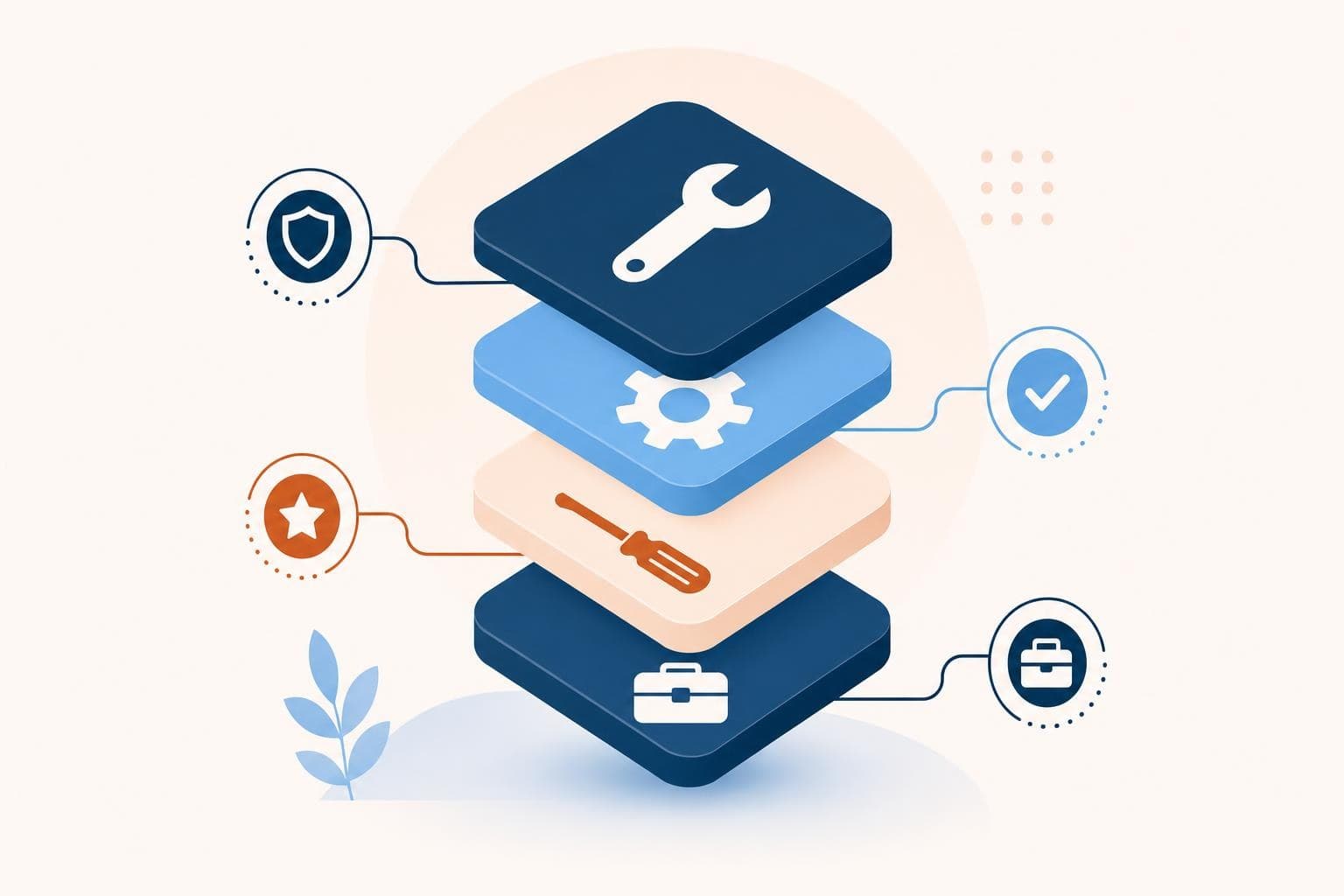
The four-step safe-start framework
- Start with low-risk tasks. Begin where mistakes are cheap and data isn't sensitive — drafting marketing copy, brainstorming, summarizing public info, first drafts you'll edit. Build confidence before touching anything sensitive.
- Practice data hygiene. Never paste confidential, customer, or proprietary data into public AI tools. Treat anything you type as potentially stored. For sensitive work, use business-tier tools with data protections, not the free public version.
- Set a simple policy. A short written rule for your team: what AI can be used for, what data must never go in, and that a human reviews output. Clarity prevents the careless mistake that causes the headline.
- Keep a human in the loop. AI drafts; a person reviews and approves before anything goes out or gets acted on. AI is confidently wrong often enough that human review is non-negotiable for anything that matters.
Want help starting with AI safely? A free Growth Audit includes your AI opportunities and guardrails.
A real example
A professional services firm wanted AI's efficiency but feared client-confidentiality breaches — rightly. We started them on low-risk internal tasks (drafting marketing content, summarizing public research), set a one-page policy that client data never goes into public tools, moved sensitive work to a business-tier tool with data protections, and required human review on everything. They captured real time savings within weeks, with zero data incidents. Careful and effective, not reckless or absent.
Quick wins you can try this week
- Pick one low-risk, non-sensitive task to try AI on first.
- Write a one-line rule: confidential and customer data never goes into public AI tools.
- For sensitive work, switch to a business-tier tool with data protections.
- Set a simple team policy for what AI can and can't be used for.
- Require a human to review AI output before it's used or sent.
Here's what I'd actually do
Start this week, but start small and safe: one low-risk task, a clear data rule, and human review on everything. That gives you AI's real efficiency gains without the privacy or accuracy risks that keep owners frozen. Caution and progress aren't opposites — guardrails are exactly what let you move forward confidently. Our AI & Operations work and our approach help you adopt AI safely.
FAQ
Is it safe to use AI tools like ChatGPT for my business?
It can be, with guardrails. The main risk is data: anything you paste into a public AI tool may be stored or used for training, so never enter confidential, customer, or proprietary information there. Use business-tier tools with data protections for sensitive work, start with low-risk tasks, set a clear policy, and keep a human reviewing output. Handled that way, AI is both safe and genuinely useful.
What data should I never put into AI?
Never paste confidential business information, customer or client personal data, proprietary processes, passwords, or anything you're legally obligated to protect into public AI tools. Treat anything you type as potentially stored or seen. If you need AI to work with sensitive material, use a business-tier or enterprise tool that contractually protects your data — and even then, share only what's necessary and keep human oversight.
How do I stop my team from using AI carelessly?
Write a simple, one-page policy and share it: what AI is approved for, what data must never go in, which tools to use for sensitive work, and the requirement that a human reviews output before it's used. Most careless AI mistakes come from a lack of clear rules, not bad intent. A short, explicit policy prevents the avoidable errors that cause real damage.
Where should a beginner start with AI in business?
Start with low-risk, non-sensitive tasks where a mistake is cheap and easy to catch: drafting marketing copy, brainstorming ideas, summarizing public information, and creating first drafts you'll edit. These build your confidence and reveal where AI genuinely helps, without exposing sensitive data or critical decisions. Once you've established good habits and guardrails, you can expand into more valuable and more sensitive uses safely.
Want a second set of eyes on your business? Start with the free growth audit. I'll review where AI can help you safely and where to be careful. Get My Free Growth Audit.